
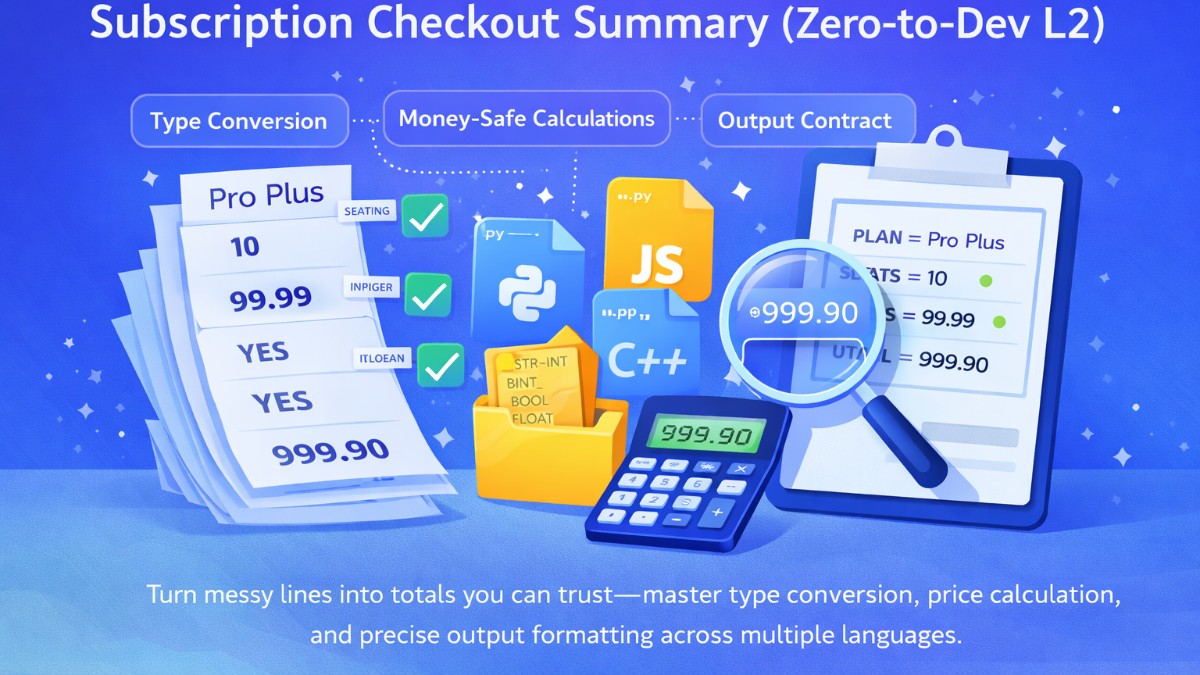
Track: A Zero-to-Dev Launchpad
Challenge: Level 2 — Variables + Types — Subscription Checkout Summary
Languages: Python, Java, Go, JavaScript, C++
Difficulty: Easy (but extremely important)
Story Narrative: Why This Exists in Real Products
You’re building a tiny part of a SaaS billing microservice.
Upstream checkout sends values as plain text lines (because different systems talk differently). Your job is to:
convert each raw line into the correct type (string/int/number/bool)
compute totals reliably
output a strict single-line summary so downstream invoicing can parse it safely
In real billing systems, type mistakes are expensive. A “10” treated as text instead of a number can break totals, invoices, audits, and payments.
What This Challenge Is Really Testing
This level is your first “production habit” problem. It trains these reflexes:
Parse input line-by-line (not token-by-token)
Convert types correctly (string → int/float/bool)
Compute accurately (avoid rounding surprises)
Print in a strict template (exact separators + casing + decimals)
This is not just coding—this is contract correctness. Output formatting is part of the API.
The Input Contract (4 Lines)
You will receive exactly 4 lines, typically representing:
plan name (string)
seats (integer)
price per seat (number)
auto-renew flag (boolean-like text)
Trimming rules (important)
Trim leading/trailing whitespace on each line before processing.
Preserve internal spaces inside plan name (e.g.,
"Pro Plus").
Trimming the edges is safe. Breaking internal spaces is not.
The Output Contract (Strict One-Line Summary)
The judge expects a single line summary string with:
fixed labels (exact casing)
fixed separators (e.g.,
;,=, etc.)values inserted in the right places
PRICE and TOTAL formatted to exactly 2 decimals
AUTO_RENEW printed as lowercase
trueorfalseno extra spaces, no extra lines
Treat the output template like a bank transfer format: one missing character can invalidate the whole thing.
The “No-Fail” Plan (Follow This Order)
Step 1 — Read the 4 lines safely
Read full lines (not words). Handle missing lines defensively (rare, but safe).
Step 2 — Trim edges
Trim whitespace around each line. Do not change content inside plan name.
Step 3 — Convert types
planName: keep as stringseats: convert to integerpricePerSeat: convert to decimal/number safelyautoRenew: convert from “boolean-like” text (case-insensitive)
Step 4 — Compute total
total = seats * pricePerSeat
Step 5 — Format money with exactly 2 decimals
This is the “gotcha” step. Many languages can print floating numbers weirdly.
Step 6 — Build output using the exact template
Finally print exactly one line. No logs. No debug.
The Biggest Traps (Read This Before Coding)
1) Boolean parsing mistakes
Auto-renew might come as:
true / falseyes / no1 / 0Mixed casing like
True,YES,FaLsE
Your parser should handle the accepted values, case-insensitive. Then output only
trueorfalse.
2) Money formatting mistakes (2 decimals must be exact)
If you print totals like 30 instead of 30.00, you fail.
If you print 10.0 instead of 10.00, you fail.
Output requires fixed two-decimal formatting, always.
3) Floating-point rounding surprises
Some languages store 0.1 as an approximation. 0.1 * 3 can become 0.30000000000000004.
Best practice: use decimal-safe methods (or format carefully) so output is always clean to 2 decimals.
4) Extra spaces or missing separators
Even one extra space around = or ; can fail the judge.
Copy the output template exactly. Treat it like a password.
Quick Mental Tests You Should Run
Use these to sanity-check logic (not to reveal solution):
Plan name has spaces:
"Pro Plus"Seats is large:
10000Price has decimals:
99.99Auto-renew input is
YESor1Output must still be one line and exactly two decimals
If any of these cases break your output, the judge will catch it.
Implementation Guidance (All 5 Languages)
Below are safe patterns that help you write a correct solution without showing the final output template.
Python Guidelines (Most Reliable for Money Formatting)
Reading lines safely
import sys

lines = sys.stdin.read().splitlines()
# Ensure you have 4 lines; handle defensively if needed.
Type conversions
seats:int(...)pricePerSeat: preferDecimalfor money stabilityautoRenew: normalize with.strip().lower()and map accepted values
Decimal formatting to 2 places
from decimal import Decimal, ROUND_HALF_UP

def fmt2(x: Decimal) -> str:
    return format(x.quantize(Decimal("0.01"), rounding=ROUND_HALF_UP), "f")
Using
Decimalavoids floating errors and guarantees exact two-decimal output.
Java Guidelines (Use BigDecimal)
Read full lines
BufferedReader br = new BufferedReader(new InputStreamReader(System.in));
String plan = br.readLine();
String seatsLine = br.readLine();
String priceLine = br.readLine();
String autoLine = br.readLine();
Money correctness
Use BigDecimal for price and total.
import java.math.BigDecimal;
import java.math.RoundingMode;

BigDecimal price = new BigDecimal(priceLine.trim());
BigDecimal total = price.multiply(new BigDecimal(seats));
BigDecimal total2 = total.setScale(2, RoundingMode.HALF_UP);
Print fixed two decimals
setScale(2, ...) ensures exactly xx.yy.
Don’t use
doublefor billing-style calculations if you can avoid it.
Go Guidelines (Use integer cents or formatted floats carefully)
Go has no built-in decimal type. Two safe approaches:
Approach A (Recommended): Convert to cents (int)
Parse price
convert to cents (e.g.,
priceCents)compute
totalCents = seats * priceCentsformat back to
d.dd
This avoids floating problems completely.
Approach B: float + formatting
If constraints guarantee 2 decimals input, formatting can be safe:
fmt.Printf("%.2f", value)
But be cautious for tricky decimals.
For enterprise-grade correctness, integer cents is the best habit.
JavaScript (Node.js) Guidelines (Avoid float surprises)
JS uses floating numbers for everything. So be careful.
Read input
const fs = require("fs");
const raw = fs.readFileSync(0, "utf8").split(/\r?\n/);
Safer money handling
Recommended pattern: convert to cents.
parse
"10.00"into1000centsmultiply by seats
format cents back to
"10.00"
Example formatting idea:
function centsToFixed2(cents) {
  const sign = cents < 0 ? "-" : "";
  cents = Math.abs(cents);
  const whole = Math.floor(cents / 100);
  const frac = String(cents % 100).padStart(2, "0");
  return `${sign}${whole}.${frac}`;
}
Using cents avoids JS decimal glitches and produces always-correct two decimals.
C++ Guidelines (Use integer cents or iomanip)
Read lines
string plan, seatsLine, priceLine, autoLine;
getline(cin, plan);
getline(cin, seatsLine);
getline(cin, priceLine);
getline(cin, autoLine);
Safer money approach
parse price string into cents (recommended)
compute totals in integers
print as
whole.fracwith exactly 2 digits
Alternative: double + fixed << setprecision(2) works often, but cents is safer.
#include <iomanip>
// cout << fixed << setprecision(2) << value;
For billing logic, “float works most of the time” is not acceptable. Prefer cents.
Boolean Parsing: A Clean Universal Rule
Across all languages, do this:
Lowercase the input
Match against accepted truthy values
Otherwise treat as false (based on problem constraints)
Truth values commonly accepted:
"true","yes","1"
False values commonly accepted:
"false","no","0"
Then output must be exactly:
trueorfalse(lowercase only).
A Judge-Proof Formatting Checklist
Before you submit, verify:
You read 4 lines
You trimmed leading/trailing whitespace
You kept internal spaces in plan name
Seats is integer
Price is treated as money-safe (Decimal/BigDecimal/cents)
Total is computed correctly
Price & total are printed with exactly 2 decimals
Auto-renew printed as lowercase
true/falseOutput is exactly one line
No extra spaces, no extra prints
If you can tick all boxes, this level becomes “free XP”.
Why This Level Makes You a Programmer
Because this is the real skill: turning messy input into reliable output.
Everything else—loops, arrays, strings, algorithms—builds on this.
A developer is someone who can take raw data, enforce types, compute reliably, and emit outputs that systems can trust.