
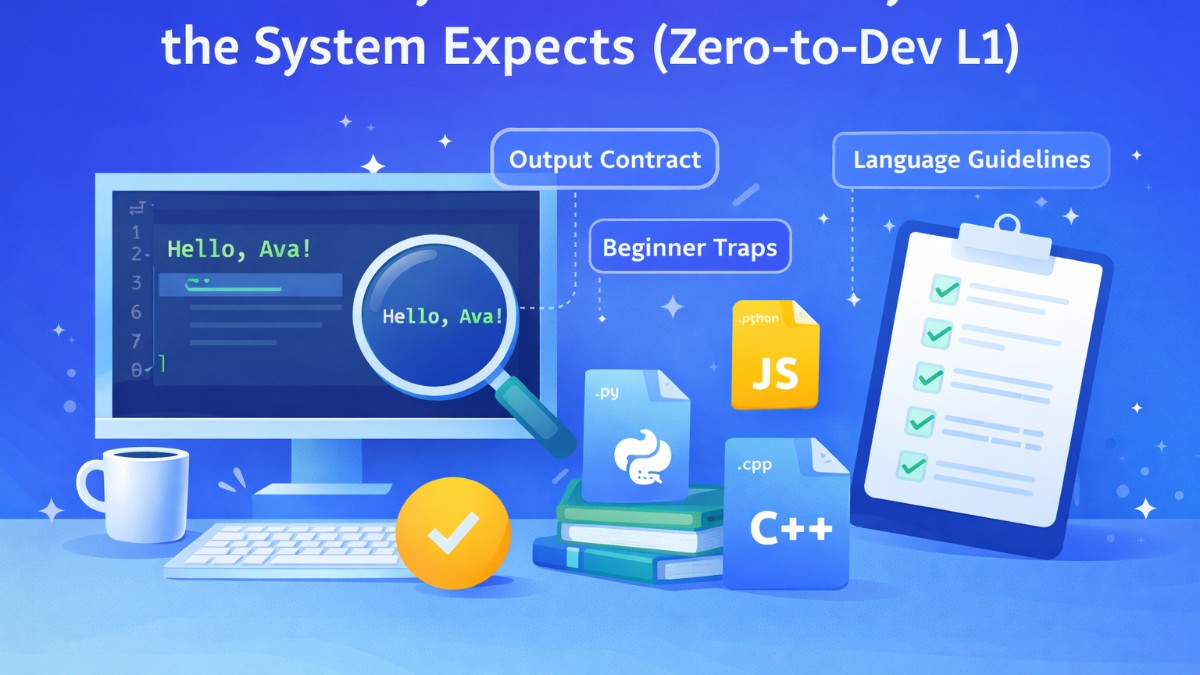
Category: A Zero-to-Dev Launchpad
Challenge: Level 1 — Hello I/O — Onboarding Greeter
Languages supported: Python, Java, Go, JavaScript, C++
Goal: Learn the #1 beginner habit—read input and print output exactly as required.
The Real-World Story
Imagine you joined a company and the IT onboarding system automatically sends a welcome message to every new employee and contractor.
Everything is automated: templates, emails, Slack messages, HR workflows.
A small formatting mistake—like missing a comma, adding an extra space, or printing an extra line—can break downstream systems. In real production pipelines, formatting is part of correctness, not “cosmetics”.
In programming, “almost correct” output is treated as wrong—because computers compare output precisely, not “roughly”.
This challenge simulates that exact situation: a greeting must be printed in the exact format the system expects.
What This Challenge Is Really Testing
This is not a “hard” problem. It’s a discipline problem.
You’re practicing three core habits that will repeat in every track:
Read input as-is (don’t invent prompts, don’t alter characters).
Build output in the exact format (punctuation matters).
Print only what is required (no extra logs, no extra lines).
Think of the judge like an API contract: it won’t “understand” your intention—only your exact output.
The Output Contract (The Only Thing That Matters)
Your task is to print exactly one line with the greeting in the required structure.
Common output expectations in these challenges
Exact punctuation (commas, exclamation marks, colons)
Exact spacing (single space vs multiple spaces)
Exact line breaks (one line, with newline at end)
If the statement says “print exactly one line”, then printing two lines—even if they look correct—fails.
The Beginner Traps (And How to Avoid Them)
1) Adding extra text
Many beginners do this:
Enter your name:
Hello, Ava!
That “Enter your name:” line will instantly fail the test.
Never print prompts in competitive-style I/O challenges unless explicitly asked.
2) Trimming or splitting the name
Some names contain spaces:
Milo the CoderAva R.
If you read only the first word, your output becomes wrong.
✅ You must treat the entire input line as the name.
3) Losing internal spacing
If the input contains multiple spaces intentionally, you should preserve it as provided.
The safest strategy: read the line exactly and do not tokenize it.
4) Newline mistakes
Most judges accept final newline, but some require the output to be exactly one line.
✅ Best practice: print exactly one line and end with a newline (standard print does this).
The “Safe Strategy” You Should Follow Every Time
Use this 4-step method for almost every beginner challenge:
Step 1 — Read input fully
Read the entire input (or at least the first line), as a raw string.
Step 2 — Keep it unchanged
No trimming unless the problem explicitly says to trim.
Step 3 — Construct output carefully
Build the output string exactly as described (punctuation + spacing).
Step 4 — Print exactly one line
No debug logs. No extra prints.
This playbook alone can help beginners clear dozens of early I/O problems.
How to Think Like a Tester (Very Important)
Before you submit, ask yourself:
If input is
"Ava", what should output be exactly?If input is
"Milo the Coder", will my program keep spaces?If input is
"Ava!", will punctuation remain?Will my program print only one line?
Test your program with weird-but-valid inputs. Real systems always meet unexpected names.
Mini Testcases You Should Try Locally
Use these as mental checks (not solutions—just correctness validation):
Input:
Ava
Expected behavior:
output is one line
contains greeting + name
punctuation exactly as required
Input:
Milo the Coder
Expected behavior:
keeps full name including spaces
still prints one line
Input:
  Ava   R.
Expected behavior:
treat the line as-is (don’t compress spaces unless told)
output formatting still correct
Language-by-Language Guidelines (5 Languages)
Below are guidelines and patterns—not the final solution. You’ll still write the final output format yourself from the statement.
Python Guidelines
Read input safely
Use stdin and read a single line, preserving internal spaces.
import sys

name = sys.stdin.readline()
# You may need to handle the trailing newline safely.
# Avoid splitting the line.
Output rule
Use one print statement only, and ensure the format matches exactly.
Avoid
print("Enter name")or any debug print.
Java Guidelines
Read the full line (not token)
Use BufferedReader and readLine().
import java.io.*;

BufferedReader br = new BufferedReader(new InputStreamReader(System.in));
String name = br.readLine();
// Treat name as the full line (including spaces inside).
Output
Use System.out.print(...) or System.out.println(...) once.
Scanner.next()reads only one token—avoid it for this challenge.
Go Guidelines
Read the whole line
Using bufio.Reader is safest for full-line input.
package main

import (
	"bufio"
	"fmt"
	"os"
)

reader := bufio.NewReader(os.Stdin)
// read a full line; handle newline if needed
Output
Print exactly one line.
Avoid printing extra whitespace or additional lines.
JavaScript (Node.js) Guidelines
Read stdin fully
Node reads all input at once; you can keep the first line.
const fs = require("fs");

const input = fs.readFileSync(0, "utf8");
// You’ll extract the line you need without losing spaces.
Important
Be careful: splitting into lines might drop some details if you trim aggressively.
Do not use
.trim()unless the problem explicitly instructs it.
C++ Guidelines
Read full line with spaces
Use getline.
#include <bits/stdc++.h>
using namespace std;

string name;
getline(cin, name);
// This reads the full input line including spaces.
Output
Use cout once with the exact required format and newline.
Production Mindset: Why This Matters Beyond Coding Practice
This is the same skill used in real software:
Logging systems that depend on exact schema
Data pipelines where one extra comma breaks parsing
Integration APIs where exact output format is mandatory
CI/CD pipelines where scripts fail on unexpected output
In real engineering, output formatting is a contract—breaking the contract breaks systems.
Checklist Before You Submit
Use this checklist every time you do an I/O level:
I read the entire input line (not just one word)
I did not print any prompts or debug lines
I matched punctuation exactly (comma, exclamation, etc.)
I matched spacing exactly (single spaces where required)
I printed exactly one line and ended properly
I tested with a name containing spaces
Your Next Upgrade After This Level
Once you clear Hello I/O, your reflex should become automatic:
“Read input cleanly, output precisely, no extra text.”
This is the foundation for every upcoming concept: variables, types, loops, conditions, strings, arrays—everything.